1. HWA
  2. Help centre
  3. Reports and moderation
All areas

Reports and moderation

#How do I report content?

  • Families
  • Mobile app

On the content in question, choose Report. In Report content, pick the reason:

  • Inappropriate content
  • Harassment
  • Spam
  • Other

You can add Additional context (optional) to explain what is happening — it usually helps whoever reviews it. Tap Submit report and you will see Report submitted. We'll review it.

Note that reporting is not anonymous: your name is visible to the person whose content you report, as well as to the centre's administrators and supervisors.
#What happens after I submit a report?

  • Families
  • Mobile app

A moderator at the centre reviews it. In the meantime you will see Your report is being reviewed, and you'll be notified once a decision has been made.

You can follow it under Reports, in the Filed tab. If you need to add anything, you can message the moderator from the report itself.

  • Screenshot: What happens after I submit a report?
  • Screenshot: What happens after I submit a report?

#Which reason should I choose?

  • Families
  • Mobile app

Pick whichever best describes what you saw:

  • Inappropriate content — material that does not belong in a school setting.
  • Harassment — someone being targeted, bothered or intimidated.
  • Spam — repeated or irrelevant posts.
  • Other — anything else; worth explaining in the additional context.

If you are unsure, choose the closest one and explain in Additional context. What matters is that the report reaches someone, not that the label is perfect.

#What is the difference between Filed and Received?

  • Families
  • Mobile app

They sort your reports by your role in each:

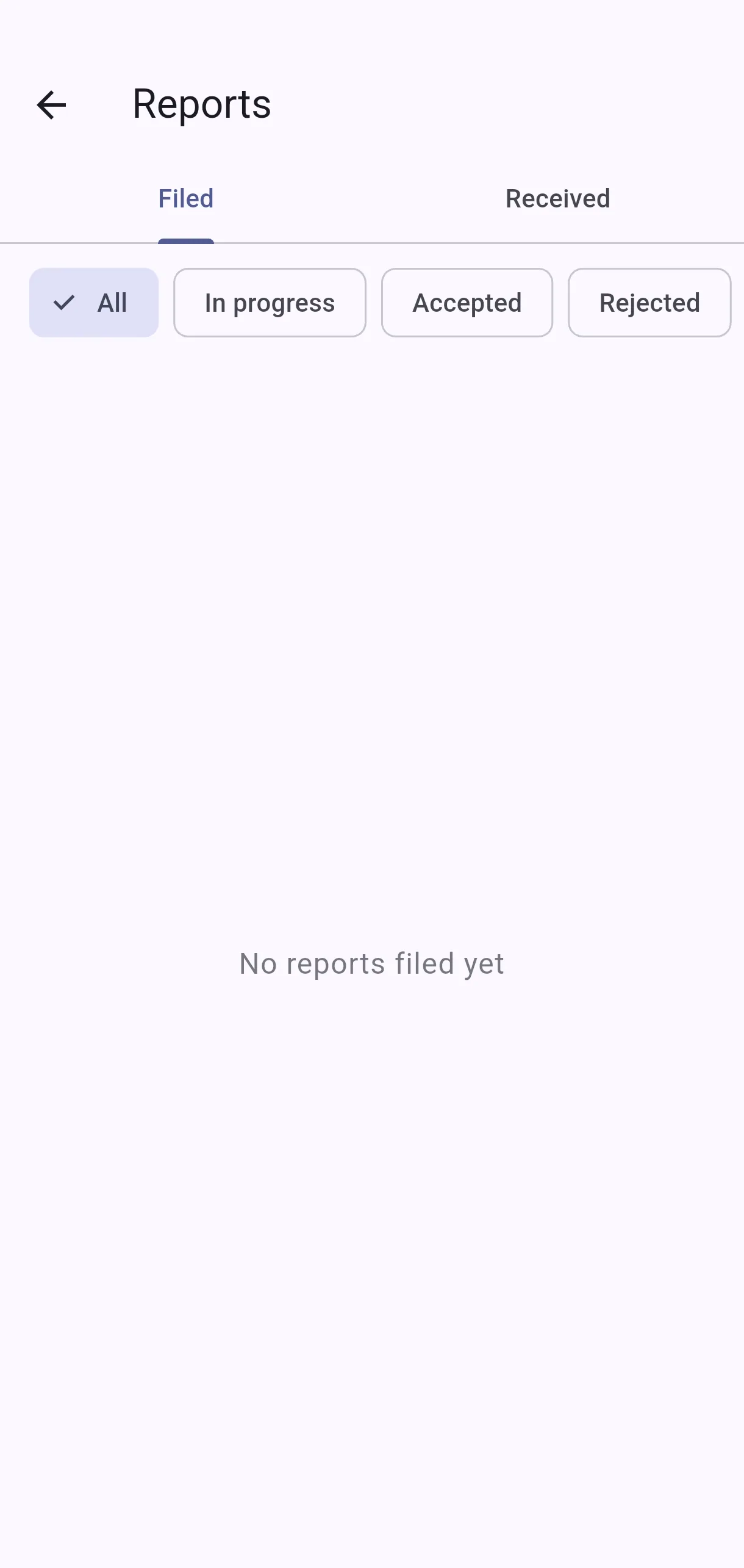
  • Filed — ones you submitted. Marked You filed this report.
  • Received — ones about content of yours. Marked Regarding your content.
  • All — both together.

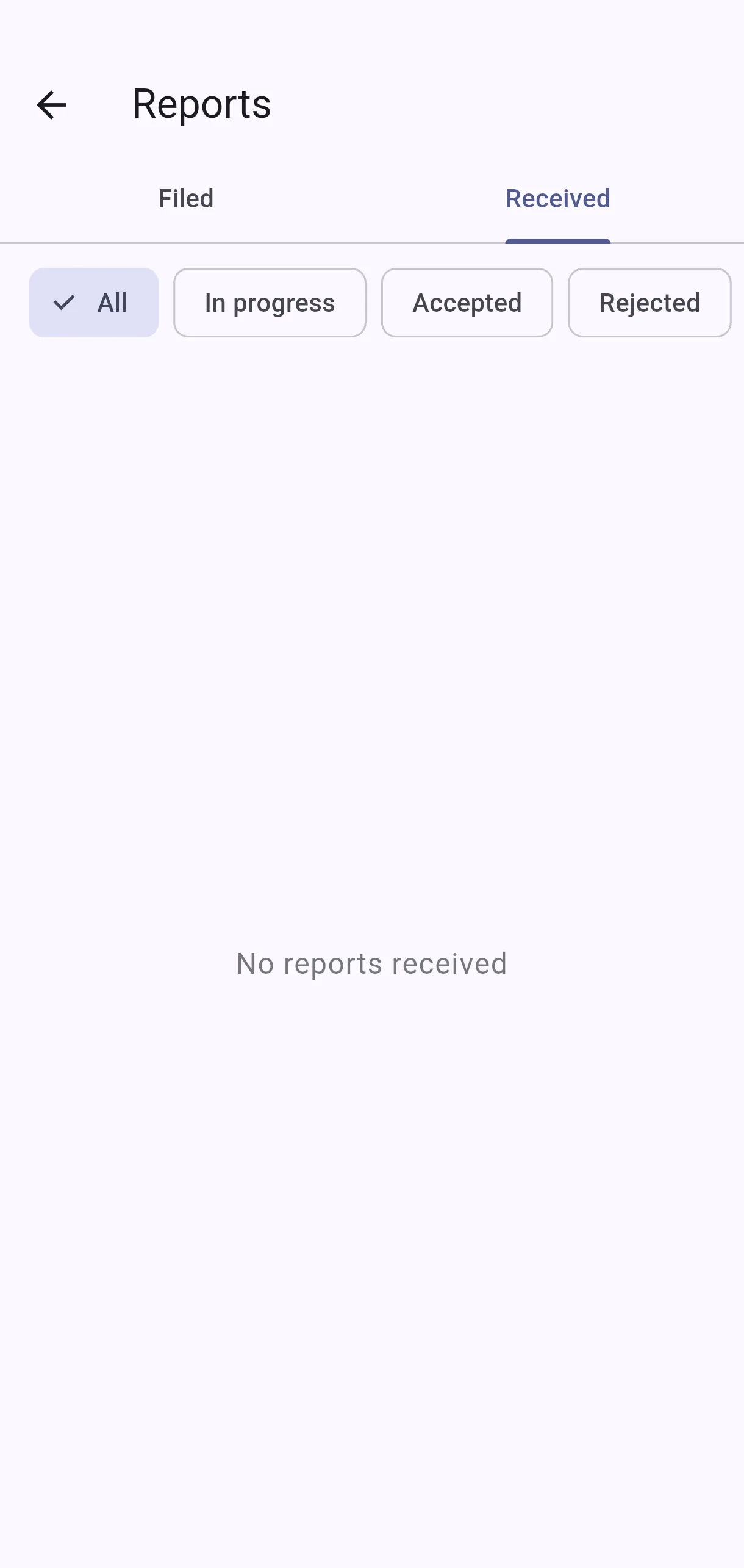
If there is nothing, you will see No reports filed yet or No reports received.

  • Screenshot: What is the difference between Filed and Received?
  • Screenshot: What is the difference between Filed and Received?

#A report says Regarding your content. What does that mean?

  • Families
  • Mobile app

It means someone asked a moderator to look at something you posted. It is not a penalty or a conclusion — it is a request for review, and the centre's moderator decides.

You can see what it refers to under Reported content, who raised it under Reported by, and message the moderator from the report if you want to give your side or explain the context. Once decided, the outcome appears under Moderator's Decision.

You are not alerted. No notification is sent when someone files a report about your content, nor when the moderator decides. You will see it by opening Received, or if the moderator writes to you. If you want to keep track, check Received from time to time.

The channel for responding is the moderator, not the person who reported.

  • Screenshot: A report says Regarding your content. What does that mean?

#What do In progress, Accepted and Rejected mean?

  • Families
  • Mobile app

They show where the review stands:

  • In progress — the moderator is still looking at it.
  • Accepted — the moderator judged the report to be warranted.
  • Rejected — the moderator judged that it was not.

Either way you will see Moderator's Decision and who reviewed it, under Reviewed by {name}. A rejected report does not mean you were wrong to raise it.

  • Screenshot: What do In progress, Accepted and Rejected mean?

#Can I talk to the moderator?

  • Families
  • Mobile app

Yes. Inside the report, under Messages with moderator, type in Message... and tap Send. If there are none yet you will see No messages yet. You can contact the moderator here.

It works whether you filed the report and want to add something, or it concerns your content and you want to explain your side.

#Why can't I write on a report?

  • Families
  • Mobile app

This report is closed. No further messages can be sent. appears once the moderator has decided and closed the case. The decision stays visible under Moderator's Decision.

If something new comes up about the same matter, file a fresh report rather than trying to reopen the old one.

Other areas