1. HWA
  2. Help centre
  3. Uniforms
All areas

Uniforms

#What is the Uniform section for?

  • Families
  • Mobile app

It shows your child's daily uniform schedule — which uniform applies on each day of the week.

It only appears if the centre has uniform management switched on. If you cannot see it, your centre does not use it.
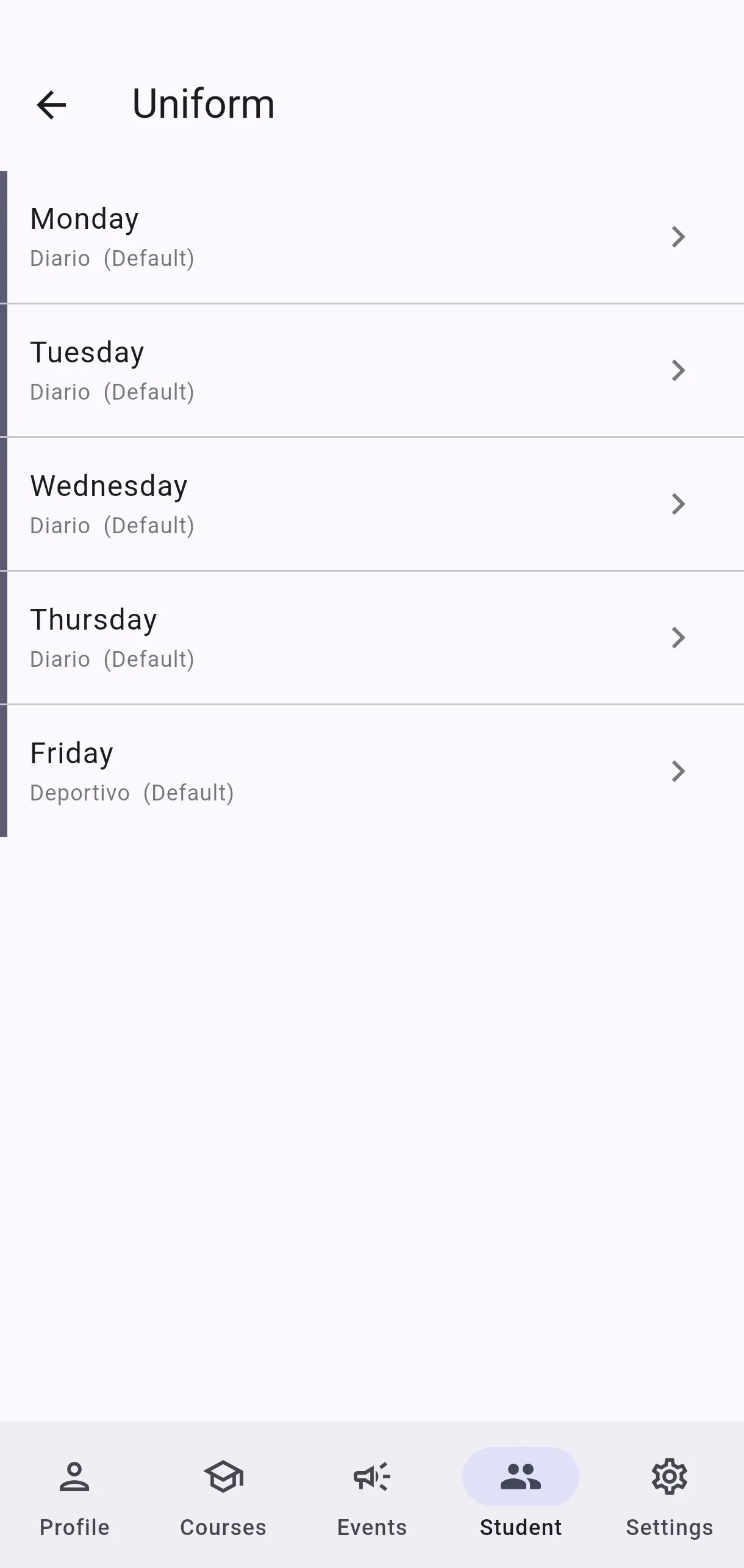
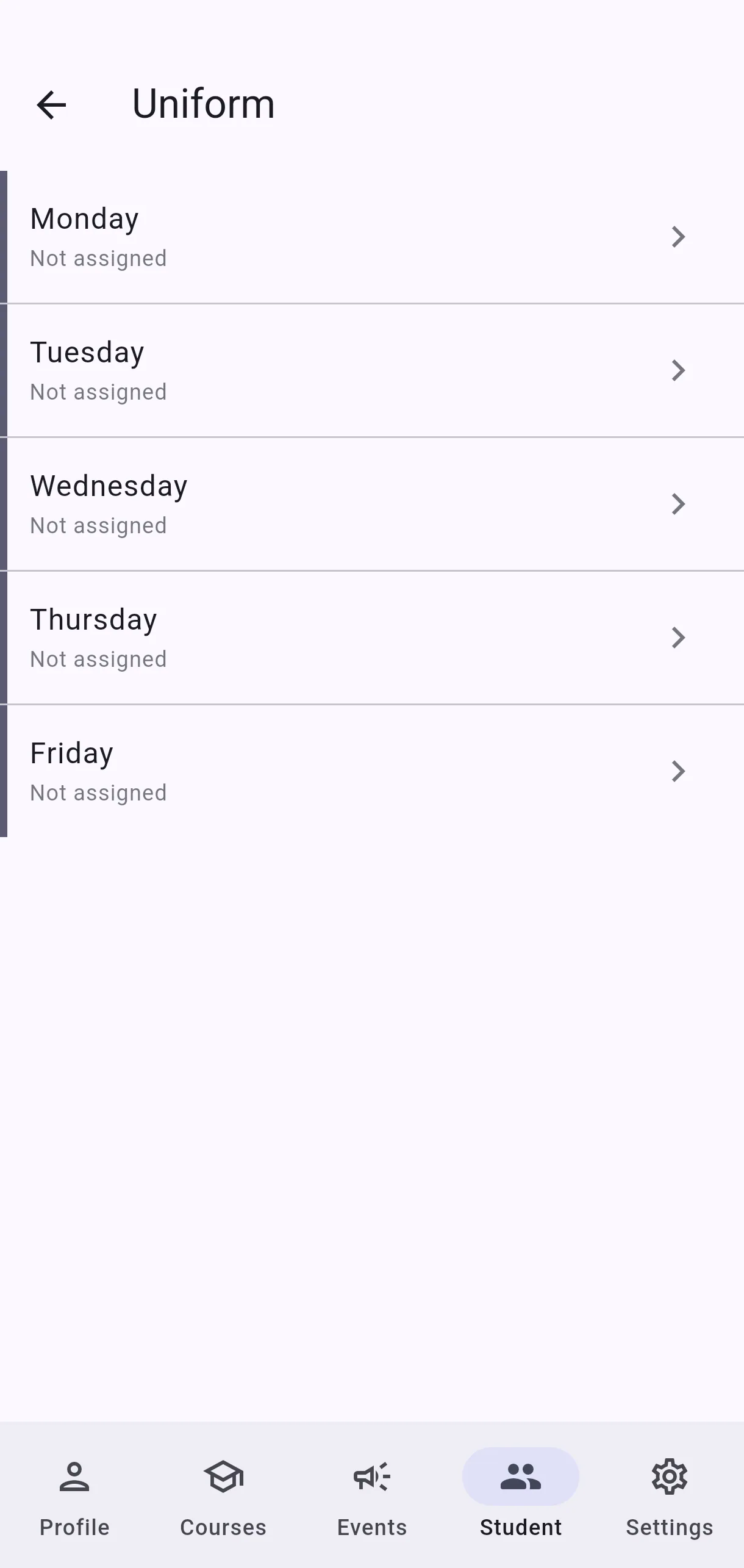
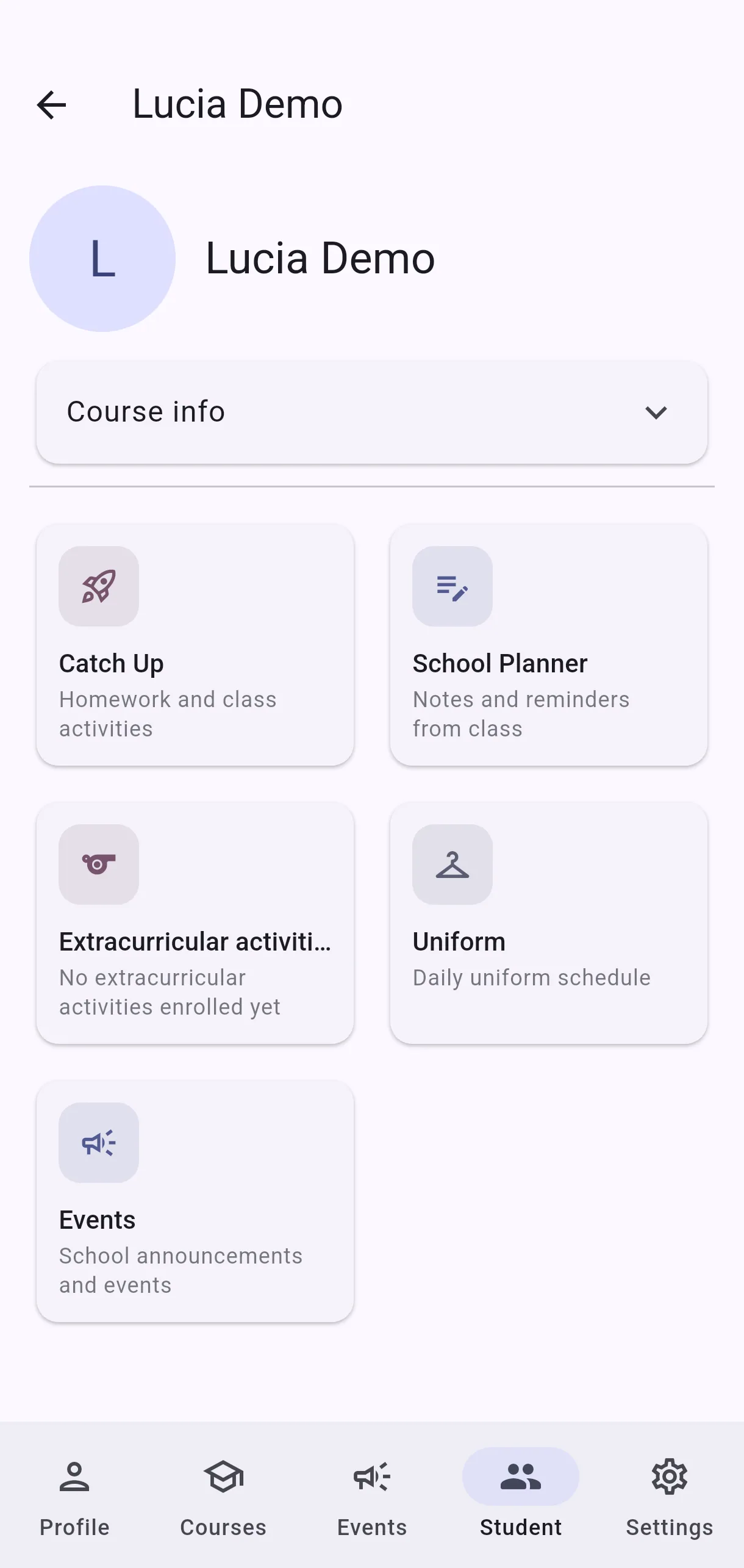
  • Screenshot: What is the Uniform section for?
  • Screenshot: What is the Uniform section for?

#How do I set which uniform my child wears each day?

  • Families
  • Mobile app

In the Uniform section, pick the uniform for each day and tap Save.

You can leave School schedule to follow what the centre set, or choose something else if your case differs — an extracurricular day, for instance.

  • Screenshot: How do I set which uniform my child wears each day?
  • Screenshot: How do I set which uniform my child wears each day?

#What do Default and School schedule mean?

  • Families
  • Mobile app

Both refer to what the centre set for that course: School schedule is the option to follow the day's official uniform, and Default indicates that day is using it.

It is the option to prefer unless you have a specific reason to change it — that way, if the centre updates its uniform schedule, your child follows it automatically.

  • Screenshot: What do Default and School schedule mean?
  • Screenshot: What do Default and School schedule mean?

#What is the difference between Not assigned and No uniform?

  • Families
  • Mobile app
  • Not assigned — nothing has been set for that day. It is a gap, not an instruction.
  • No uniform — something has been set, and what was set is that no uniform is worn that day.

In short: one means "nobody has said yet", the other means "it has been said: ordinary clothes".

  • Screenshot: What is the difference between Not assigned and No uniform?

#What is Extracurricular in the uniform schedule?

  • Families
  • Mobile app

It marks days when your child has an extracurricular activity and may need different clothes — sports kit, for example — rather than the usual uniform.

It appears on its own: it is worked out from the extracurricular subjects your child is enrolled in and the day those are timetabled. You do not add or remove it by hand.

✅ Confirmed 2026-09-01. The uniform-schedule query computes has_extracurricular per day by joining the child's enrolment through calendar_course to subject.is_extracurricular = true against that day's timetable. Enrolment drives it entirely.

  • Screenshot: What is Extracurricular in the uniform schedule?
  • Screenshot: What is Extracurricular in the uniform schedule?

#How do I turn on uniform management?

  • Schools
  • Web

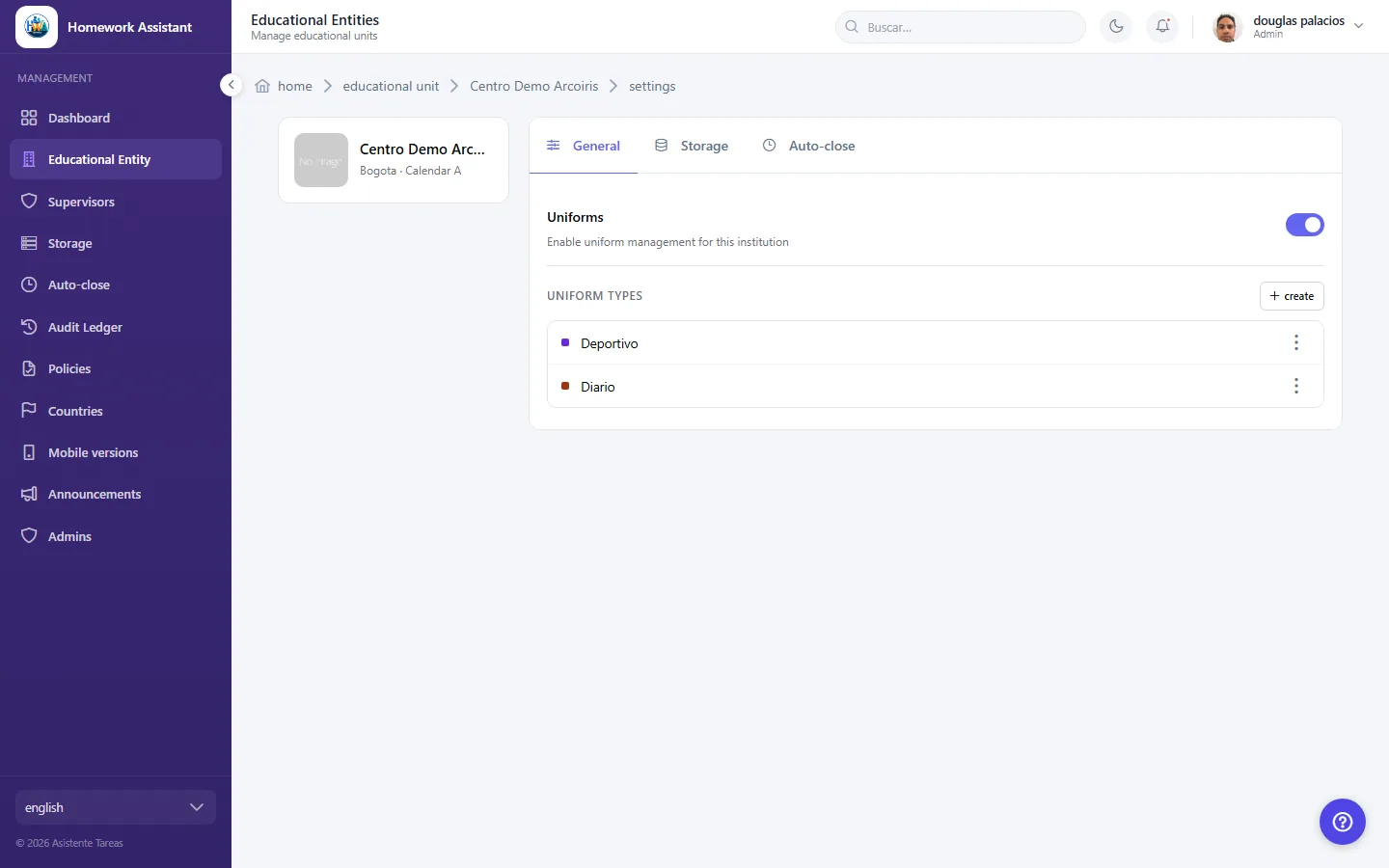
In the centre's settings, find Uniforms and switch on Enable uniform management for this institution.

While it is off, neither the centre nor guardians see anything uniform-related. This is the first thing to check if the section is missing from the app.

  • Screenshot: How do I turn on uniform management?
  • Screenshot: How do I turn on uniform management?

#How do I define uniform types?

  • Schools
  • Web

Under Uniforms, go to Uniform types and add each one by name — Formal or Sports, for example. If there are none yet you will see No uniform types yet.

Create these before building the schedule, since the schedule is built by choosing among them.

  • Screenshot: How do I define uniform types?
  • Screenshot: How do I define uniform types?

#How do I set which uniform applies each day?

  • Schools
  • Web

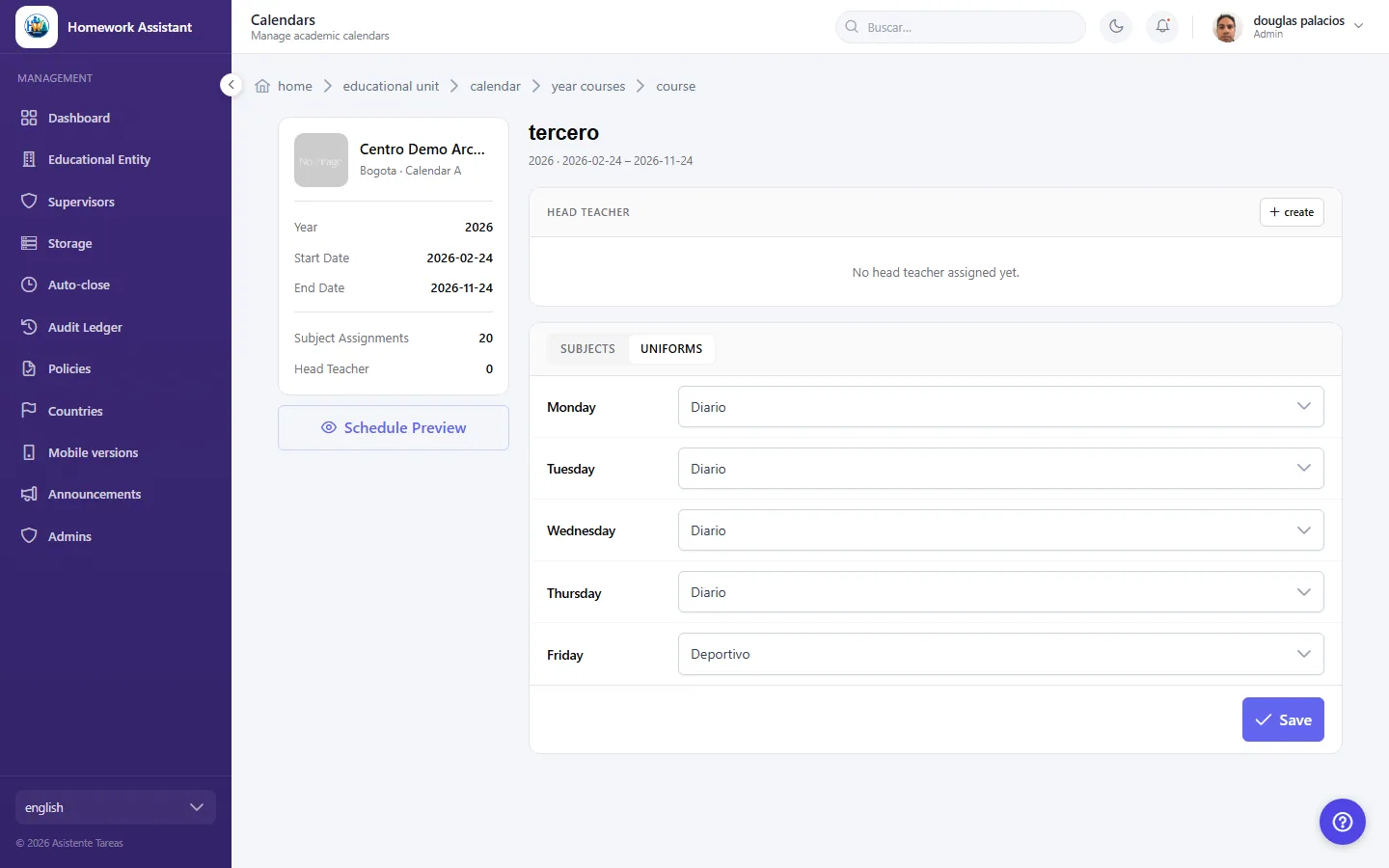
Under Uniform Schedule, assign each weekday one of the Uniform types, or No uniform if none is worn that day.

It is set per course, so different courses can have different schedules. If you see This course has no scheduled sessions, its classes need setting up in Calendars first.

  • Screenshot: How do I set which uniform applies each day?
  • Screenshot: How do I set which uniform applies each day?

Other areas